


FBackup
Free Backup SoftwareJoin the large family of FBackup users:
About FBackup
Short overview of FBackup- Where do you want to store the backup (the destination).
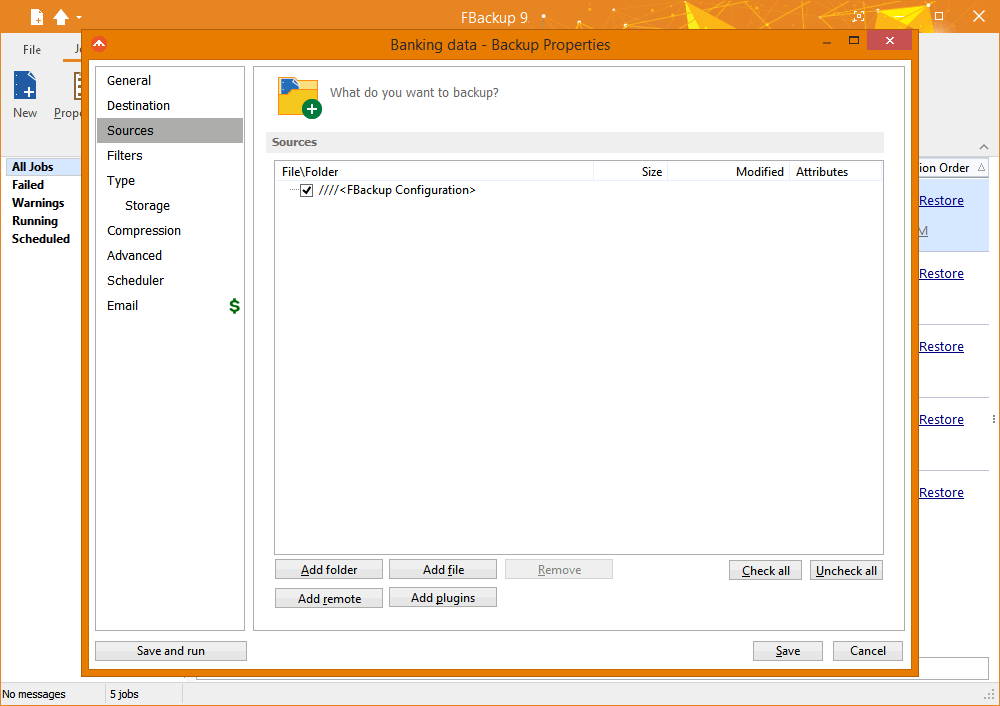
- What do you want to backup (the sources).
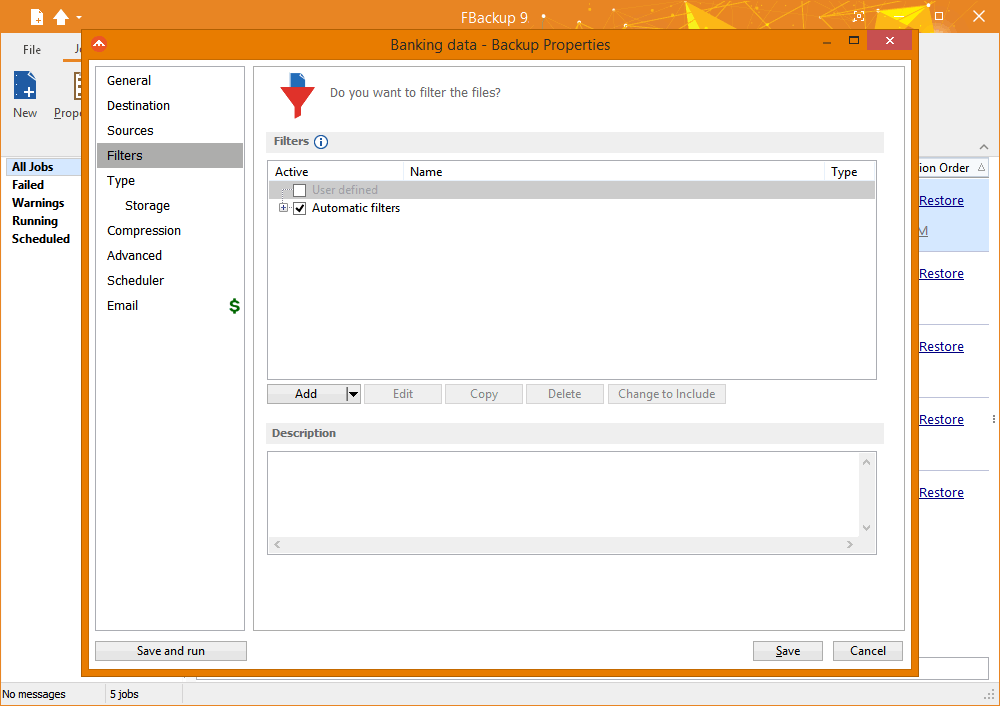
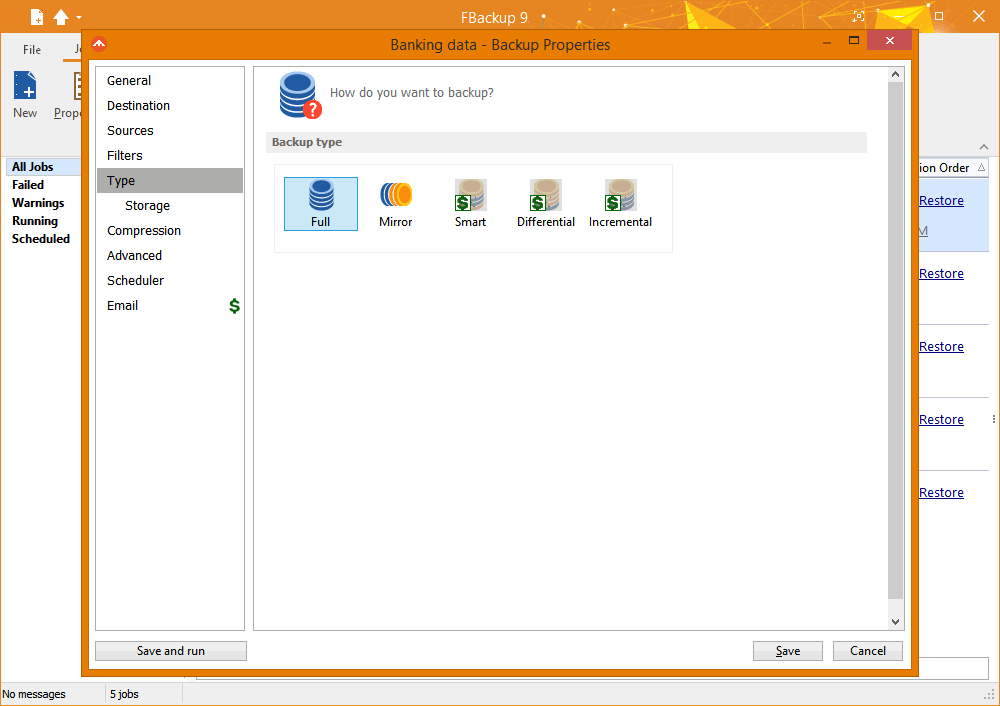
- How do you want to run the backup (using full backup that zips the files, or mirror backup that doesn't zip them).
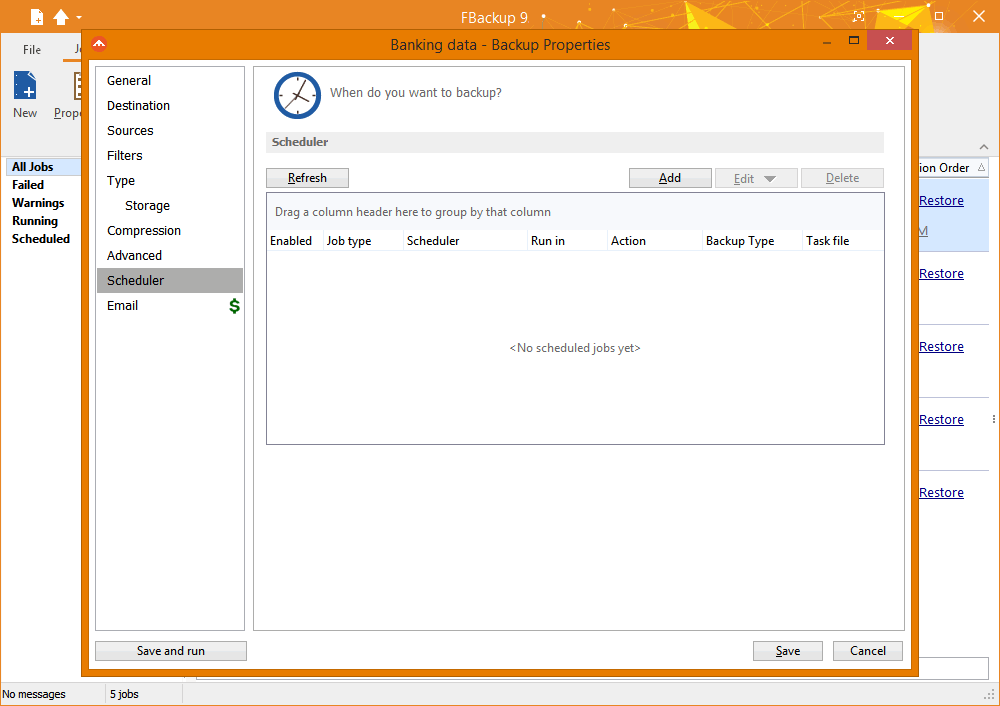
- When do you want to run the backup (you can schedule it to run automatically or run it manually).
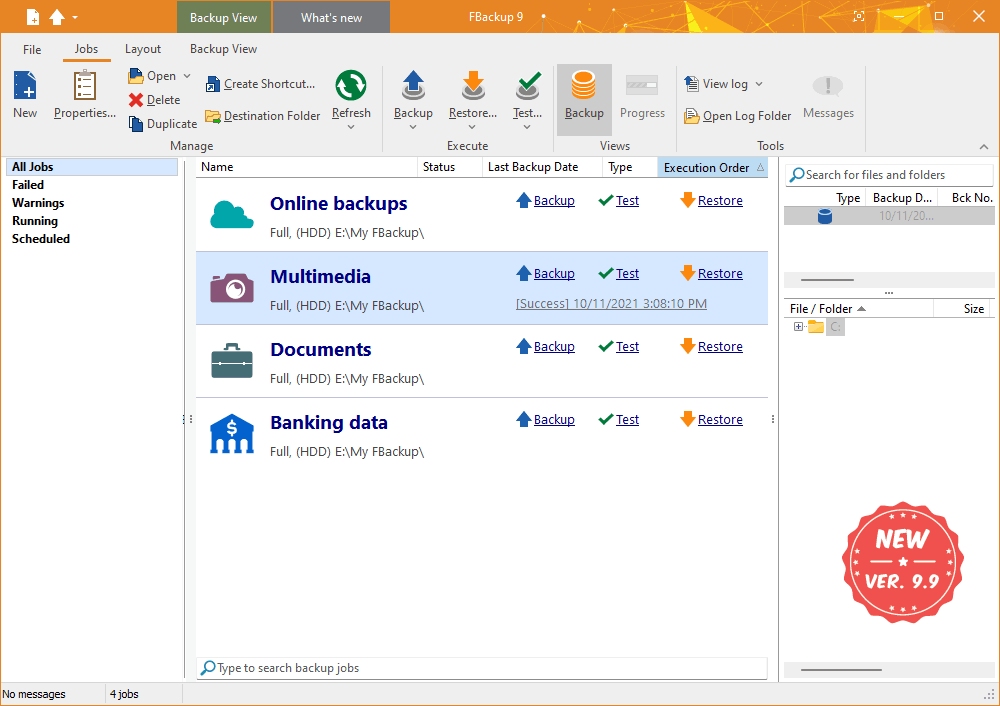
Main Features
What makes FBackup stand from the crowdExact copies of files
If you don't want to have the files stored in one zip file, FBackup can make exact copies of the backup sources using "mirror backup". Since FBackup will also back up empty folders, you can use this backup type to create in the destination a "mirror" copy of the original files. It also includes a Fast Mirror option that will copy only new and modified files.
Protection against ransomware
Ransomware are some of the most aggressive crypto-viruses and FBackup protects your data against those. With FBackup you can create backups of your important data and store those online to Google Drive or Dropbox. This way, even if your data gets encrypted by ransomware viruses, you'll still have uninfected copies stored online.
Easy to use
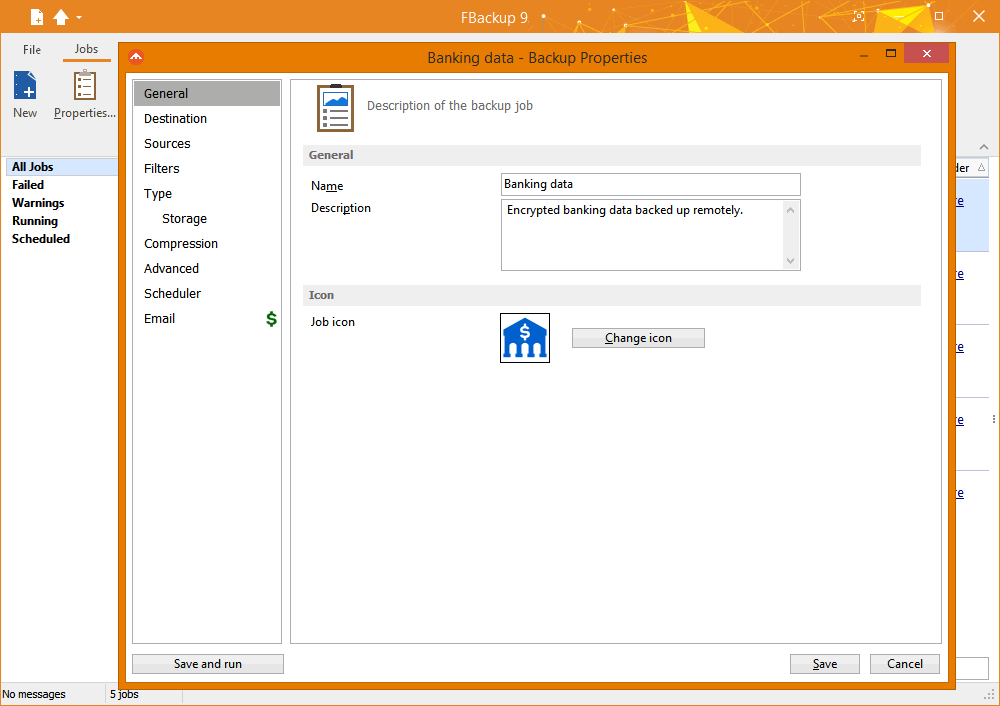
The main functions of a backup program are backing up and restoring. These are very easy to run with FBackup by using the included backup wizard. Just start the wizard, select What, Where, How and When to run the backup and you're all set. For restoring you just need to open the restore wizard and you'll be asked where you want the restore data to be saved (original location, different one, ...).
Run actions before/after backup
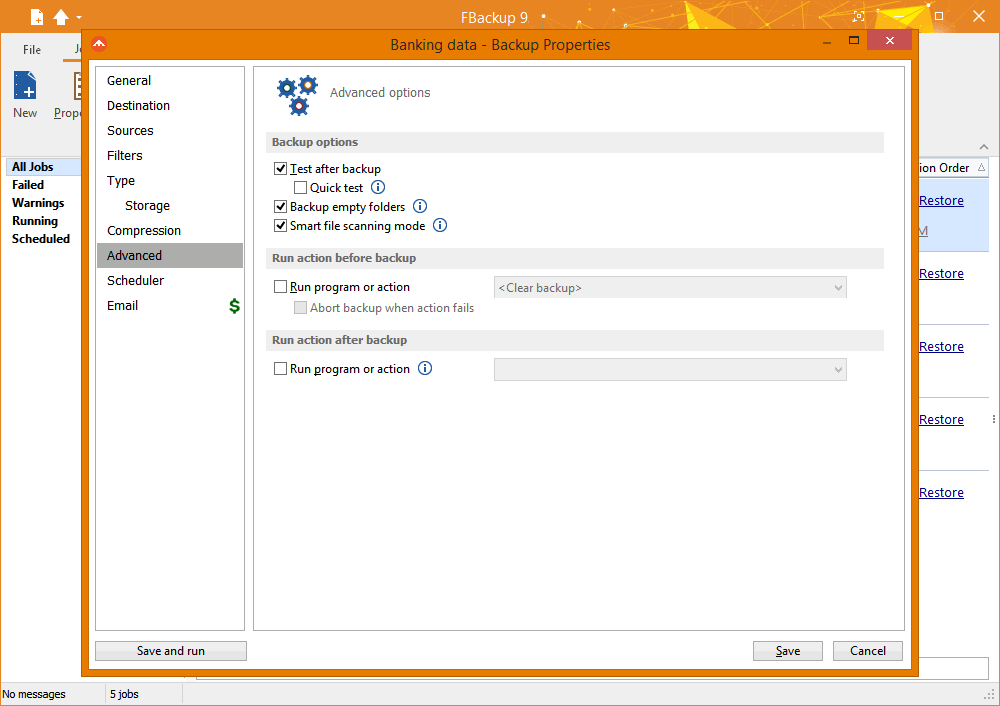
For each backup job, you can define an action to execute before or after the backup. For example, you can select "Clear backup" before the backup runs, so that all the previous backed up files will be cleared before loading the new ones. As an after-backup action, you can set it to stand by, log off, hibernate or even shut down the computer once the backup has successfully finished.
Automatic updates
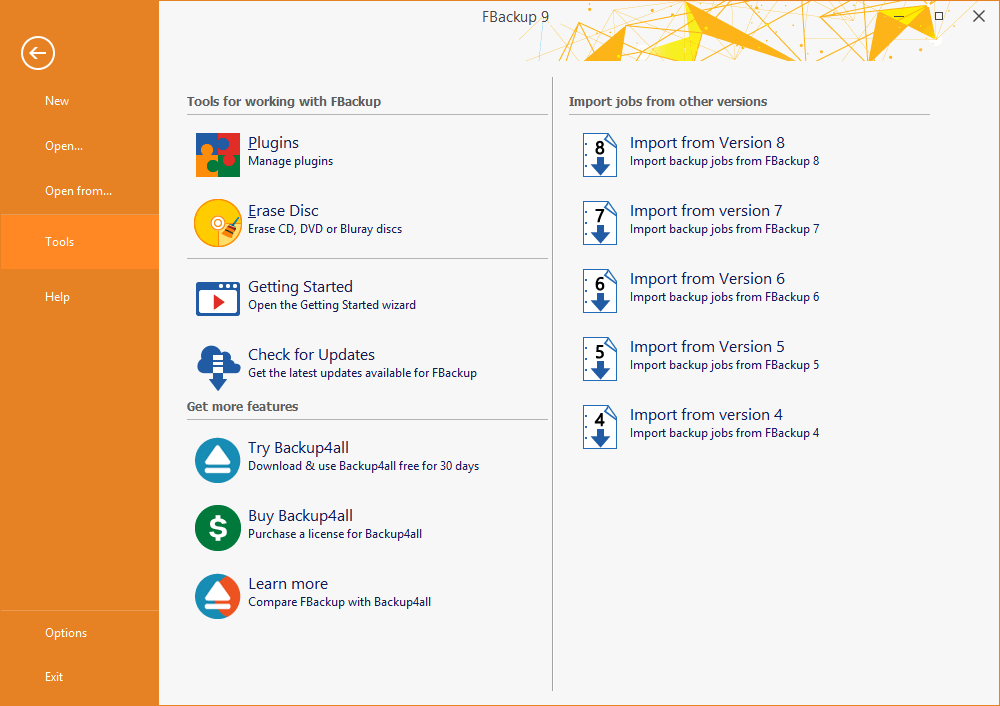
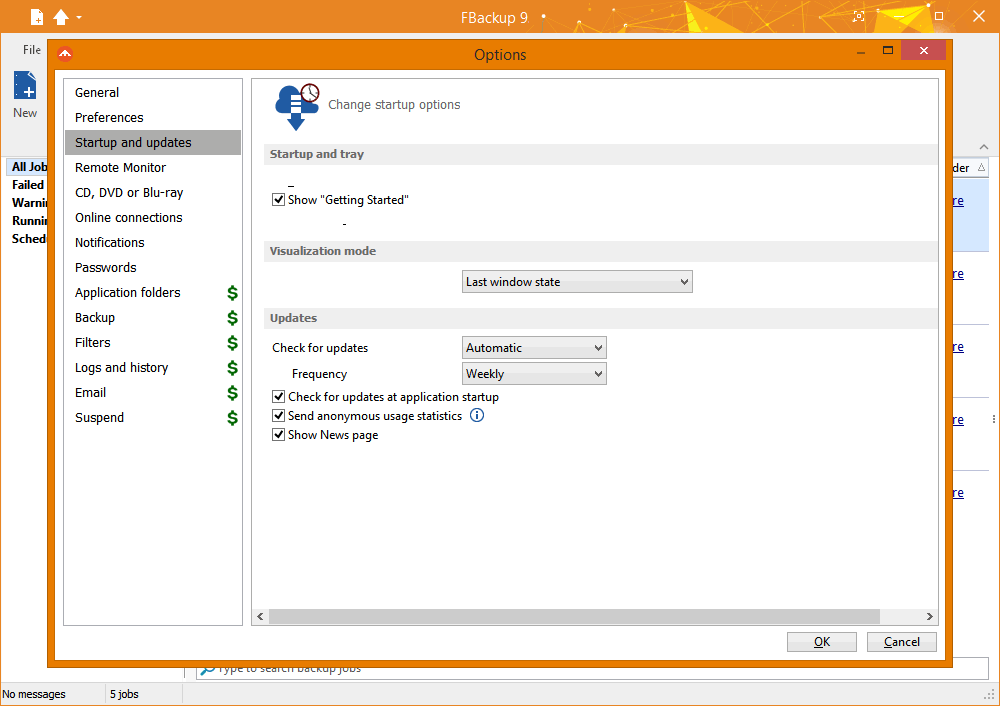
FBackup automatically checks for updates weekly, so you'll know when a new version is released. The option to check for updates can be disabled, but we recommend that it is enabled so that FBackup will be up-to-date.
Multiple backup destinations
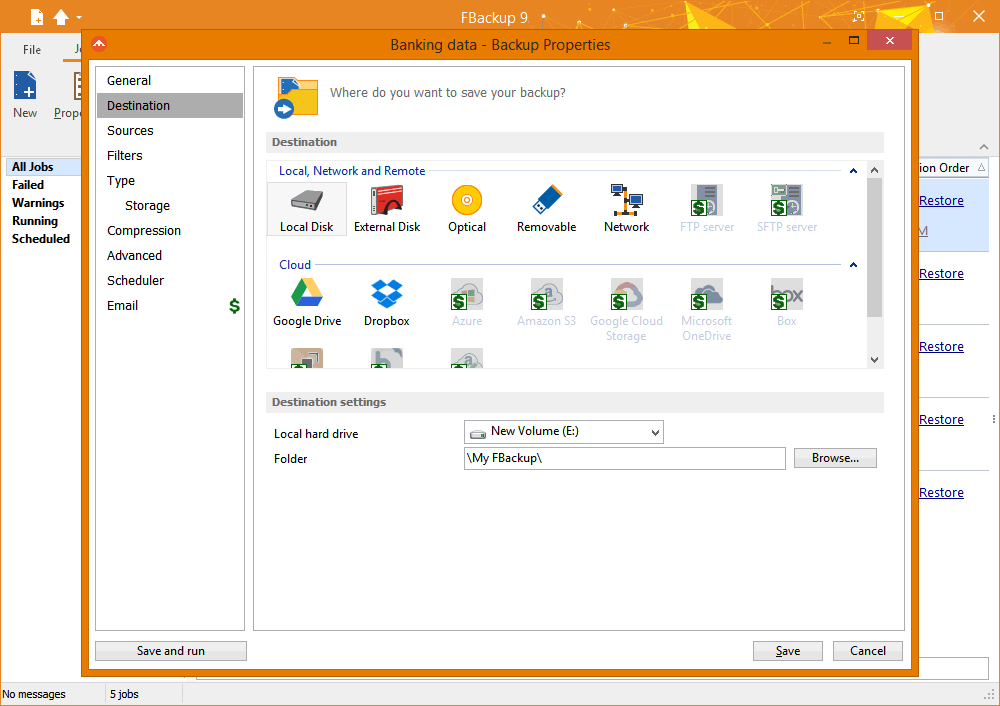
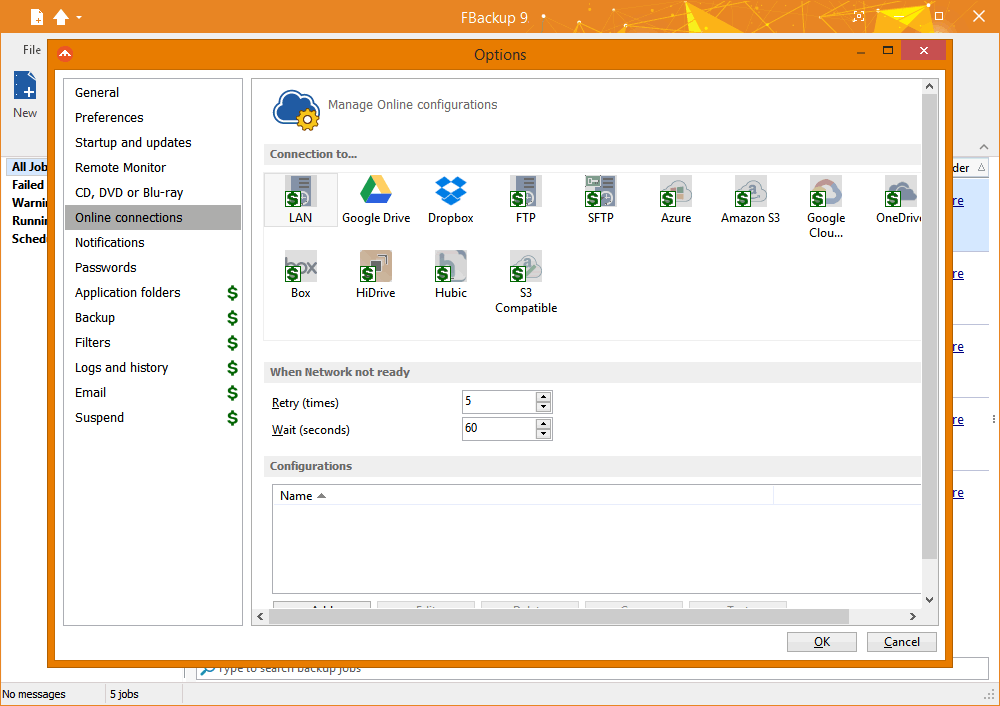
By default, your backups will be stored on the local Windows partition. To be sure you have a secure backup, we highly recommend you to store the backups on other destinations supported by FBackup. It supports external drives such as USB/Firewire, mapped network drives, CD/DVD/BluRay and online destinations (Google Drive and Dropbox). This way, if your computer suffers a hardware failure, you'll have your data safe on an external location.
Backups in the Cloud
With FBackup you can back-up your files and folders in the Cloud to your existing Google Drive or Dropbox account. Simply connect your account with FBackup and you'll be able to use it as a Cloud destination. This lets you combine the best of both worlds, your favorite free backup program with world-renowed free cloud storage.
Backup plugins
You can load plugins for backing up or restoring specific program settings or other custom data (like game saves, email data, etc.). Once loaded in FBackup, these plugins will list the sources needed to be backed up for that particular program in "Predefined Backups."
Backup open files
If a file is in use by another program at the time of the backup, FBackup will still be able to back up that file, because it uses the Volume Shadow Service that Windows provides. So, as long as you're using Windows 10, 8, 7, Vista, XP, Server 2019/2016/2012/2008/2003 (32/64-bit), FBackup will back up those open files. As an example, you will be able to back up your Outlook emails and settings without closing the program first.
Online sources
Starting with FBackup v9, it is now possible to use as sources files/folders from online locations. You can add sources from Dropbox or Google Drive and have those backed up to a different destination. This way you can have a back-up of your online files as well. It is a great way to protect your cloud files, for instance backing-up your Dropbox files to Google Drive (or vice-versa).
Backup & Restore Wizards
FBackup includes a step-by-step wizard with instructions to create a new backup job by selecting Where, What, How and When to backup. It also includes a wizard for restoring files. You can quickly restore the latest version of a file/folder as well as restoring versions of files backed up at a specific date.
Backup Catalog File
FBackup stores a summary snapshot of the file and folder information into a backup catalog file (".fkc") each time a backup runs. This catalog is stored in a different file than the backup itself and is used to keep track of backed up data. The advantage of using a catalog is faster backup execution and no 3rd party interference.
Version History
Stay up to date with the latest changesHave an older version? See changelogs below: